How to Choose a Password Manager You'll Actually Use
The best password manager is the one that doesn't get abandoned after a week. Here's how to pick one that actually sticks.
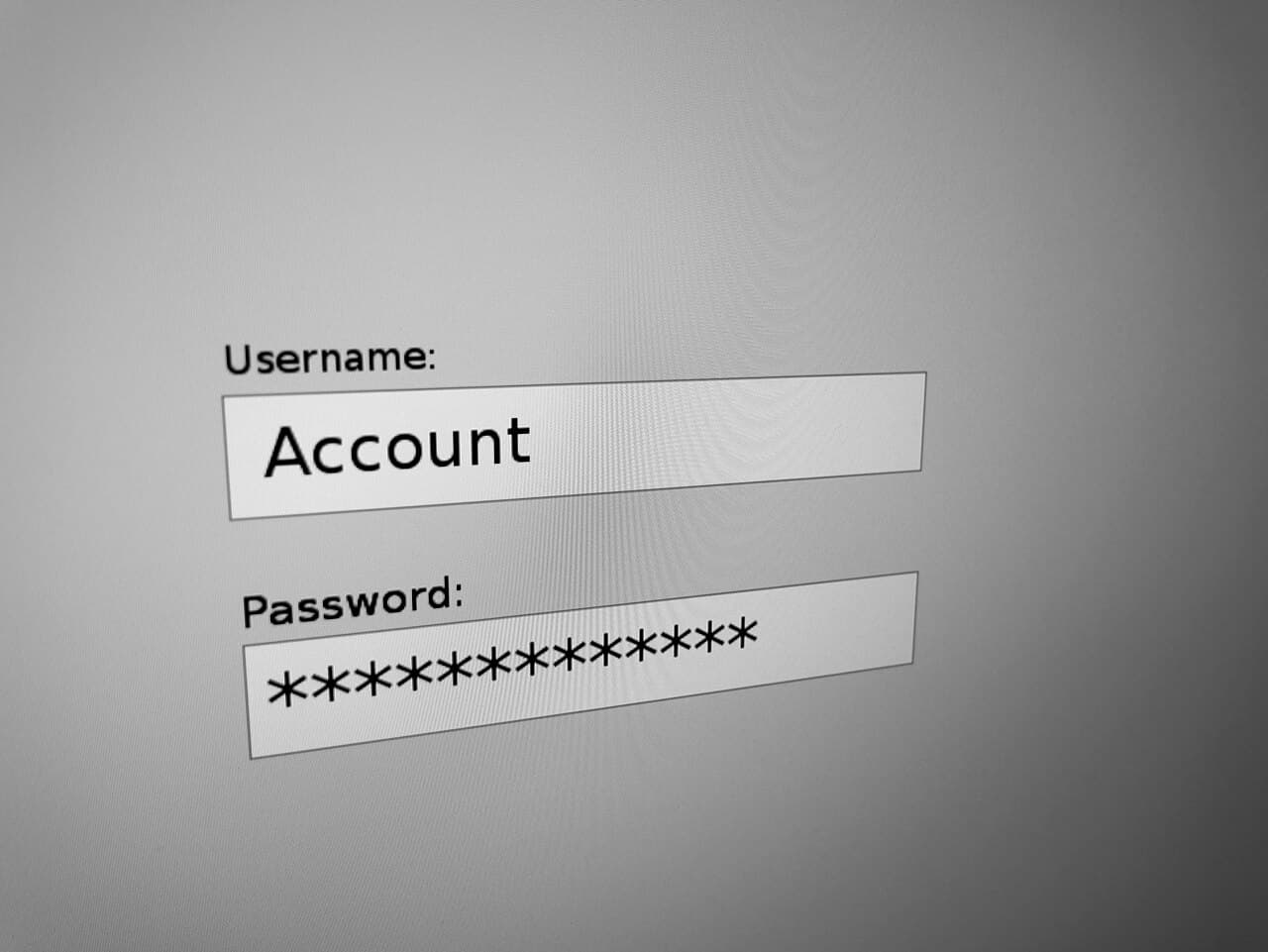
Most people who abandon a password manager don't do it because the security was bad — they do it because the day-to-day friction of using it was higher than just letting the browser remember passwords. Choosing well means weighing a few practical specs most comparison charts skip.
Autofill reliability matters more than the feature list
A password manager with every advanced feature imaginable is useless if its autofill doesn't reliably work on the sites and apps you actually use daily. Before committing, test autofill specifically on your bank, your most-used work tools, and at least one mobile app — not just a generic login form.
Cross-device sync needs to be close to instant
If you add a password on your laptop and it takes minutes to show up on your phone, you'll end up re-creating accounts or falling back to "forgot password" flows out of impatience. Fast, reliable sync is a bigger day-to-day factor than almost any other spec.
A real recovery plan matters more than people expect
Every password manager asks you to set a master password, but not all of them explain clearly what happens if you forget it. Understand the recovery options before you're locked out — some providers have zero-knowledge designs that mean even they can't recover your vault without a backup recovery key you set up in advance.
Browser extension quality is the make-or-break detail
Most day-to-day password manager use happens through the browser extension, not the standalone app. A clunky, slow, or visually broken extension will get disabled within a week regardless of how good the underlying vault security is.
- Test autofill on your actual most-used accounts before committing, not a demo form
- Confirm sync speed across at least two of your real devices
- Set up and write down your account recovery method immediately after signup
- Try the browser extension for a few real logins before judging the whole product
Priya Nair
Staff Writer, AI & Emerging Tools
Priya covers AI and emerging software tools, with an emphasis on what a tool actually automates safely versus what still needs human review.
Reviewed against our editorial standards