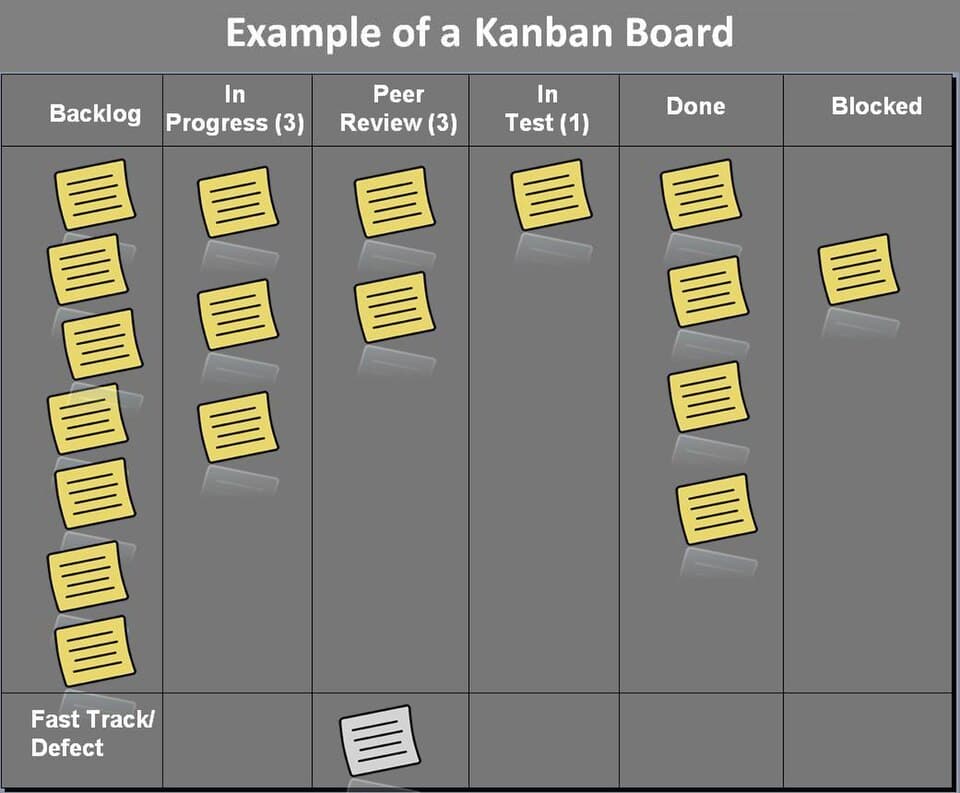
Project Management Tool vs. Spreadsheet: Which Fits Your Team?
A spreadsheet can track tasks. The real question is at what point its flexibility stops being an advantage and starts being the problem.
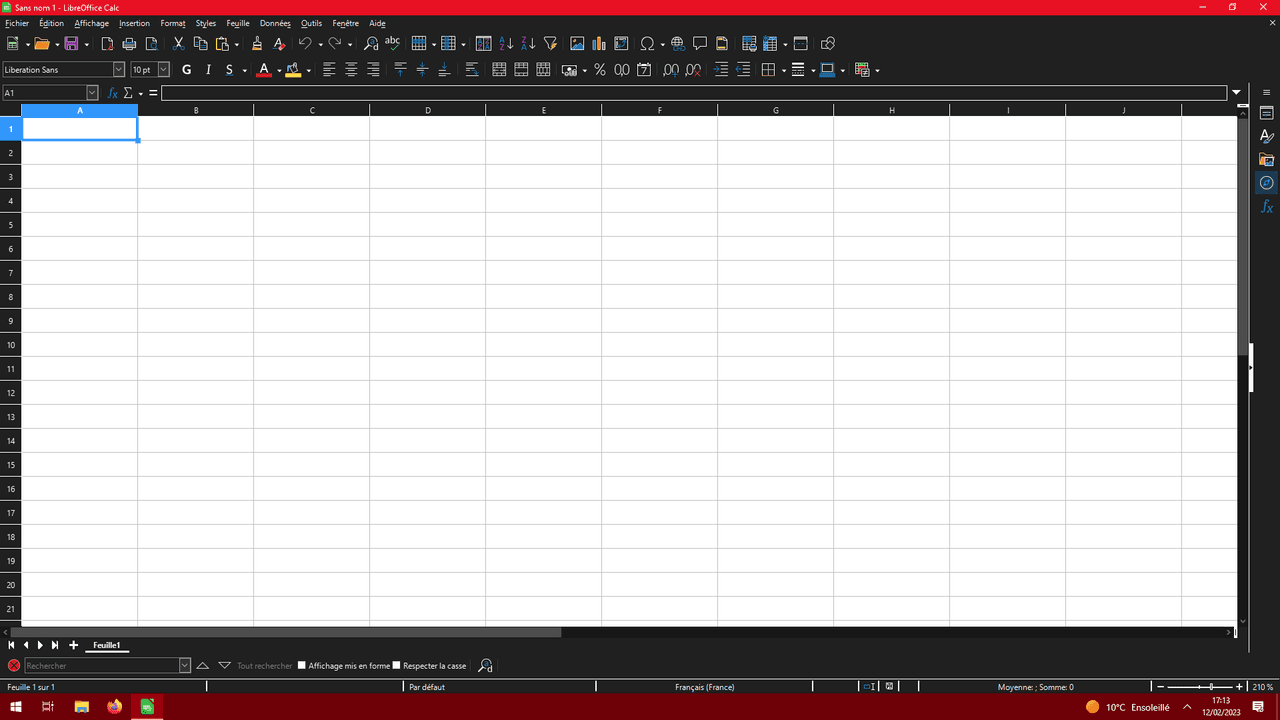
A spreadsheet is infinitely flexible, which is exactly why it works well for a small team and poorly for a larger one — that same flexibility becomes inconsistency once more than a couple of people are editing it without a shared structure.
How we evaluated this comparison
We compared the two approaches on the practical factors that determine whether a team sticks with a system — structure enforcement, notification/reminder support, and the cost of switching later — rather than a feature-by-feature spec comparison.
Where spreadsheets hold up well
For a very small team or a short, well-defined project, a spreadsheet's flexibility is a genuine advantage: no learning curve, easy to customize on the spot, and zero additional cost. It stays useful until the team or the project's complexity outgrows what one person can keep consistent by hand.
Where dedicated tools pull ahead
Dedicated tools enforce structure (required fields, consistent statuses) that a spreadsheet can't, and they handle notifications and reminders automatically instead of relying on someone remembering to check a tab. This matters increasingly as team size grows past the point where everyone naturally sees every update.
Side-by-side comparison
| Criterion | Dedicated Tool | Spreadsheet |
|---|---|---|
| Setup time | Some learning curve | Immediate — no new tool to learn |
| Structure consistency | Enforced by the tool | Depends on discipline of whoever edits it |
| Automatic notifications | Yes | No — relies on someone checking manually |
| Cost | Usually a paid subscription at team size | Free if you already have spreadsheet software |
| Scales past ~10 people | Yes, designed for it | Gets inconsistent and hard to maintain |
| Best use case | Ongoing team work with multiple contributors | Small team, short well-defined project |
How we evaluated this: Rows reflect the structural trade-offs between a purpose-built tool and a general spreadsheet, not a specific product test.
Final verdict
Spreadsheets are fine until team size or project complexity outgrows one person's ability to keep it consistent — that's the actual switching signal, not a specific headcount.
Buy if
- Choose a dedicated tool once structure inconsistency or missed updates are already causing real problems
- Choose a spreadsheet for small, short, well-defined projects where flexibility outweighs structure
Skip if
- Don't adopt a dedicated tool purely because of team size alone — the actual signal is whether the spreadsheet is already causing friction
Alternatives to consider
- A lightly structured shared document as a middle ground, before committing to either extreme
Devin Park
Senior Reviewer, Productivity & Cloud Tools
Devin covers productivity and cloud tools, with a focus on real-world workflow fit, sync reliability, and long-term lock-in risk over headline feature lists.
Reviewed against our editorial standards